H.B. Fuller Sets Global Labeling Standards with TEC-IT
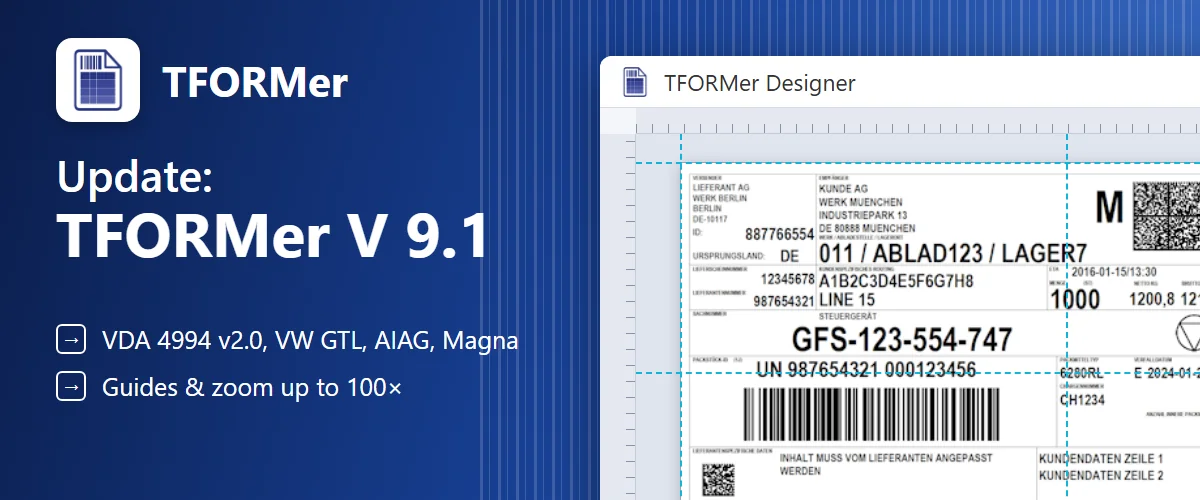
New: TFORMer Designer V9.2 — easily design and print labels and forms. Explore the product →
Create standards-compliant barcodes, automate label printing, and capture data directly into your applications — from a single workstation to your entire organization.
Open any product for a closer look at its capabilities, outputs and deployment options.
Use a local SDK from the stack you already run. Generate a barcode image, or bind business data to an approved label template and send the result to PDF, ZPL or a printer.
using System.Drawing;using TECIT.TBarCode;var barcode = new Barcode();barcode.BarcodeType = BarcodeType.Code128;barcode.Data = "ORDER-10482";barcode.Dpi = 300;barcode.BoundingRectangle = new Rectangle(0, 0, 600, 240);barcode.Draw("order-10482.png", ImageType.Png);Job job = new Job();job.setRepositoryName("shipping-label.tff");JobDataDataSource data = new JobDataDataSource("Order");data.setParameterValues("orderId", "10482");job.setPrinterType(EPrinterType.PDFFile);job.setOutputName("shipping-label.pdf");job.setJobData(data);job.print();How companies run identification, labeling and data capture on TEC-IT software – in production, logistics and IT.
Custom software, apps and cloud solutions for labeling, identification and data capture workflows.
Learn moreTailored courses help developers and users get more from TEC-IT products in daily operation.
Learn morePractical guidance for barcode standards, label design, system integration and rollout.
Learn moreLatest from TEC-IT.
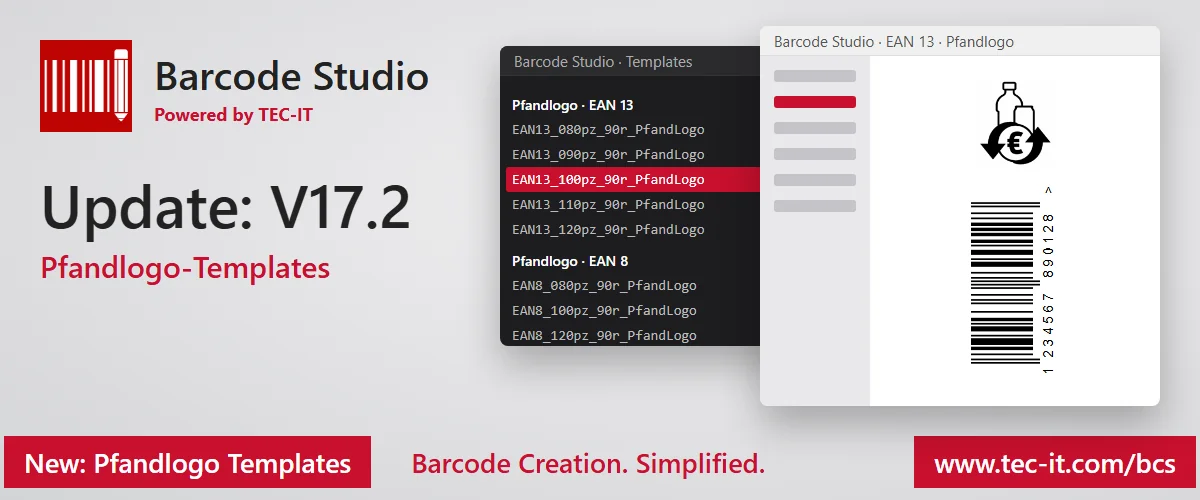
New deposit logo templates, auto-zoom for rotated barcodes and the latest GS1 Application Identifier list.
Try it free in the browser, download a full trial, or talk to sales about your systems, standards and volume.
We use cookies for marketing and to improve your experience. Read our Cookie Policy or manage cookies.