Line-ready templates
Part-marking and work-order layouts are designed once and reused on every machine and cell.
New: TFORMer Designer V9.2 — easily design and print labels and forms. Explore the product →

Production & Traceability
Part marking, WIP tracking and nameplates that connect the shop floor to the ERP.


TEC-IT gives every part, batch, carrier and machine a readable identity at the moment it is made — so work in progress, quality records and finished-goods genealogy all reference the same number.
Use production data to drive labels, nameplates and forms.
Production labels are built in one system, quality records in another and nameplates in a third — usually in a drawing package. When a customer asks which batch went into which assembly, the answer has to be reconstructed rather than read. TEC-IT connects leading business systems, binding standards and operational output into one controlled process, so identification is applied once and referenced everywhere.

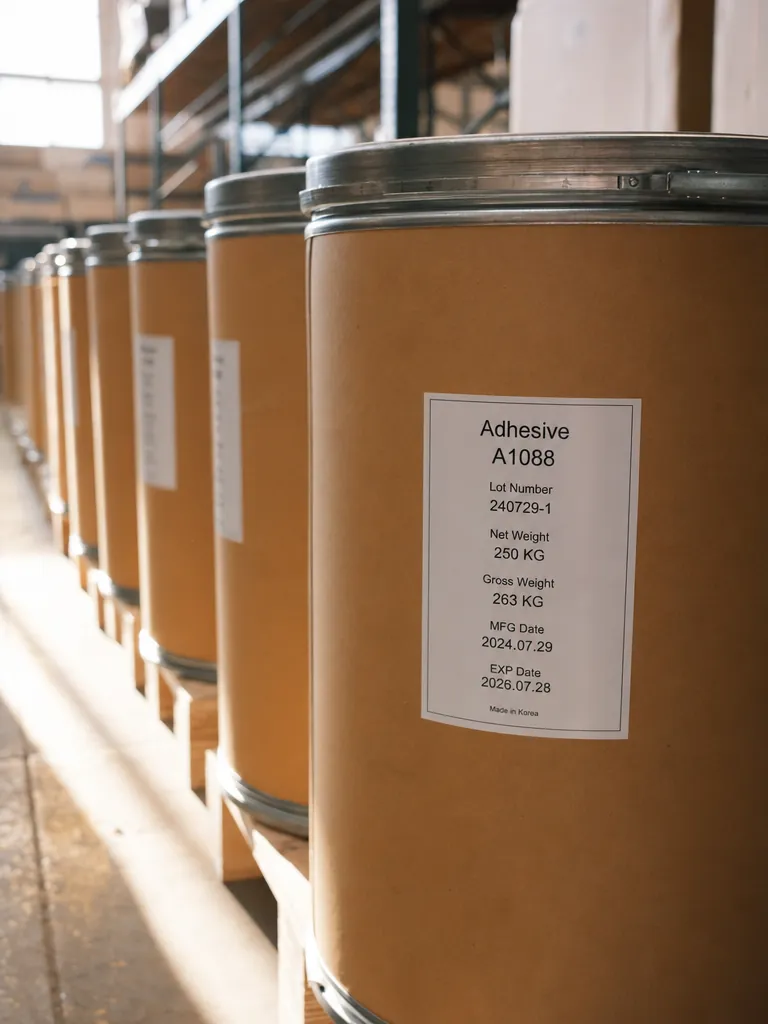
H.B. Fuller
“I confidently recommend TEC-IT to any organization seeking efficient, reliable, and scalable labeling solutions.”
Global Labeling Manager, H.B. Fuller
Read customer story ›Part marks, work-order data and printing as one system.
Part-marking and work-order layouts are designed once and reused on every machine and cell.

Scanned serials and work orders are checked against format before they enter MES/ERP.

Release each work-order label to the correct cell, printer or downstream production service.
Every solution maps to proven, licensable products.
Builds controlled part, carton and work-order labels with live production data.
Connects line-side scanners, scales and serial devices to MES or ERP screens without extra operator steps.
Prints approved production labels from MES or ERP workflows to line printers, PDF or ZPL.
Feeds line-side scans into Excel, Word or Google Sheets for immediate production records.
Shop floor to ERP
Scanning, printing and data flows plug into MES, ERP and quality systems.
Identity is applied when the order runs, not after.

The work order releases the label at the cell — the operator never picks the wrong one.

Numbers come from MES, so no duplicate leaves the line.

Add a cell and it marks parts the same way from the first order.
How companies run identification, labeling and data capture on TEC-IT software – in production, logistics and IT.
Learn more about Manufacturing & Production.
Print the label from the order data at the station, and scan it back at the next step. When identification and verification both come from the MES rather than from an operator's judgement, a wrong part cannot silently pass to the next station.
Yes. TWedge reads USB HID, RS232/RS485, Bluetooth and TCP/IP devices and passes validated values into applications or databases — including as a Windows service for unattended stations.
No. TFORMer produces labels, forms, travellers and reports from one designer and one data source, so a change to part data does not need to be made twice.
TFORMer Server queues and monitors jobs, so a failure is visible rather than silent, and the job can be redirected to another printer without re-entering data.
Answers on print control, ZPL devices and MES or ERP integration.
GuideLearn how clear margins protect scan rates on fast-moving production lines.
Customer storyLearn how one labeling toolchain supports consistent output across dozens of manufacturing locations.
Try it free in the browser, download a full trial, or talk to sales about your systems, standards and volume.
We use cookies for marketing and to improve your experience. Read our Cookie Policy or manage cookies.