
FAQ Barcode Studio
Adobe Illustrator: PDF Document has a Missing Font
Adobe Illustrator: PDF Document has a Missing Font
Problem: You can't open a PDF document, created with Barcode Studio, in Adobe Illustrator (or a similar graphic application). You receive the following error message:
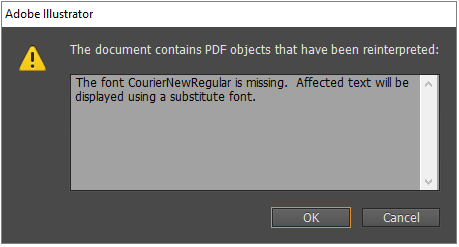
The document can be opened but the system default font is used!
Solution: Change the font engine of Barcode Studio to generate PDF documents correctly. There are two possibilities to do this:- Add the following command line arguments when starting Barcode Studio on Windows:
bcstudio.exe -platform windows:fontengine=freetype
- Add the following command line arguments when starting Barcode Studio on macOS:
bcstudio.exe -platform cocoa:fontengine=freetype
- Put the configuration file qt.conf into the install directory containing bcstudio.exe.